Geospatial Data Analysis and Management
Geospatial Data Analysis and Management
training
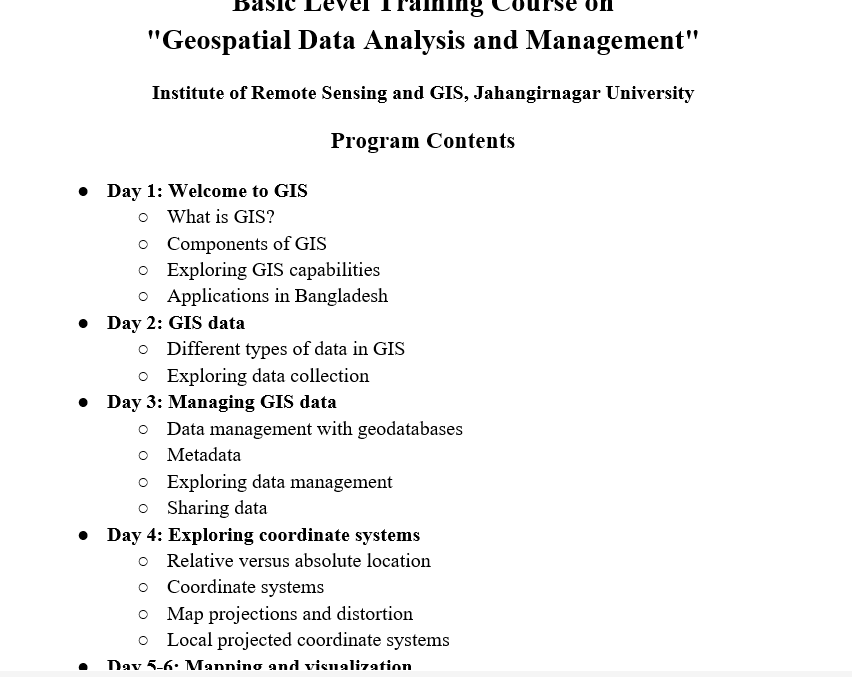
Basic Level Training Course on
"Geospatial Data Analysis and Management"
Institute of Remote Sensing and GIS, Jahangirnagar University
Program Contents
● Day 1: Welcome to GIS
○ What is GIS?
○ Components of GIS
○ Exploring GIS capabilities
○ Applications in Bangladesh
● Day 2: GIS data
○ Different types of data in GIS
○ Exploring data collection
● Day 3: Managing GIS data
○ Data management with geodatabases
○ Metadata
○ Exploring data management
○ Sharing data
● Day 4: Exploring coordinate systems
○ Relative versus absolute location
○ Coordinate systems
○ Map projections and distortion
○ Local projected coordinate systems
● Day 5-6: Mapping and visualization
○ Configuring a map
○ Change symbology
○ Create layouts
● Day 7: Mid Assessment
● Day 8-9: Spatial Analysis
○ Spatial analysis workflow
○ Answering questions with spatial analysis
○ Identifying types of analysis
○ Performing analysis
● Day 10-11: Field Data Collection with Survey123
○ ArcGIS Survey123 basics
○ Prepare a survey and collect data
● Day 12-13: Introduction to Imagery and Remote Sensing
○ Basic of Remote Sensing: Principles, History, and Applications
○ Sources of Geospatial Data: Satellite Imagery, GPS, and Open Data Repositories
○ Exploring Satellite Data: Sentinel and Landsat
○ Image properties, band properties, layer stack and FCC, mosaic, extracting
● Day 14-15: Putting GIS to use & StoryMaps
○ The geographic approach
○ Sharing analysis results
○ Solving a real-world problem with GIS
● Day 16: Final Assessment
Intermediate Level Training Course on
"Geospatial Data Analysis and Management"
Institute of Remote Sensing and GIS, Jahangirnagar University
Program Contents
● Day 1: Introduction to Geospatial Software
○ Putting GIS skills to work (practical application)
○ Introduction ArcGIS Pro
○ Open-source software: QGIS, GRASS GIS
○ Remote sensing (ArcGIS Pro, Google Earth Engine, ENVI, Erdas Imagine)
● Day 2: Working with GIS data
○ Coordinate systems
○ Geodatabase
○ Join/relate
● Day 3: Creating and editing data in ArcGIS Pro
○ Creating features
○ Modifying features and attributes
○ Deleting features
● Day 4: Advanced editing and data management
○ Data selection by attribute/location
○ Managing attributes (domain/subtype/attribute rule)
○ Data validation with topology
● Day 5: Visualization
○ Controlling feature display
○ Symbolizing layers
○ Labeling (label class)
○ Layout
● Day 6: Share your maps for the Decision-maker and end user
○ Sharing web maps with ArcGIS Pro
○ Sharing with apps (Instant app, StoryMaps, Dashboards)
● Day 7: Mid Assessment
● Day 8: Advanced Data Collection with web apps
○ Survey123
○ FieldMaps
● Day 9: Interactive Visualization
○ Dashboard and widgets
● Day 10-11: Imagery Products & Raster Data Analysis
○ Sentinel and Landsat Explorer
○ Copernicus Hub
○ USGS, ASF Data Search
○ Raster functions
○ Classification (supervised, unsupervised)
○ Change detection
● Day 12-13: Spatial Analysis for Planning and Decision-making
○ Hydrological analysis
○ Suitability analysis
● Day 14-15: Geospatial Analysis with Python and GeoAI
○ Geoprocessing with Python
○ Processing SAR data with ArcGIS Notebook
● Day 16: Final Assessment